Skip to content
For CRM admins and data teams

Diagnose your CRM data
Then clean it

Monitor, Clean, Prevent, Act — the full data quality lifecycle, so your teams, your automations and your AI all run on data they can trust. Inside Salesforce and Dynamics 365 CE.

Trusted by data teams at

Monitor

You can't fix what you can't see.

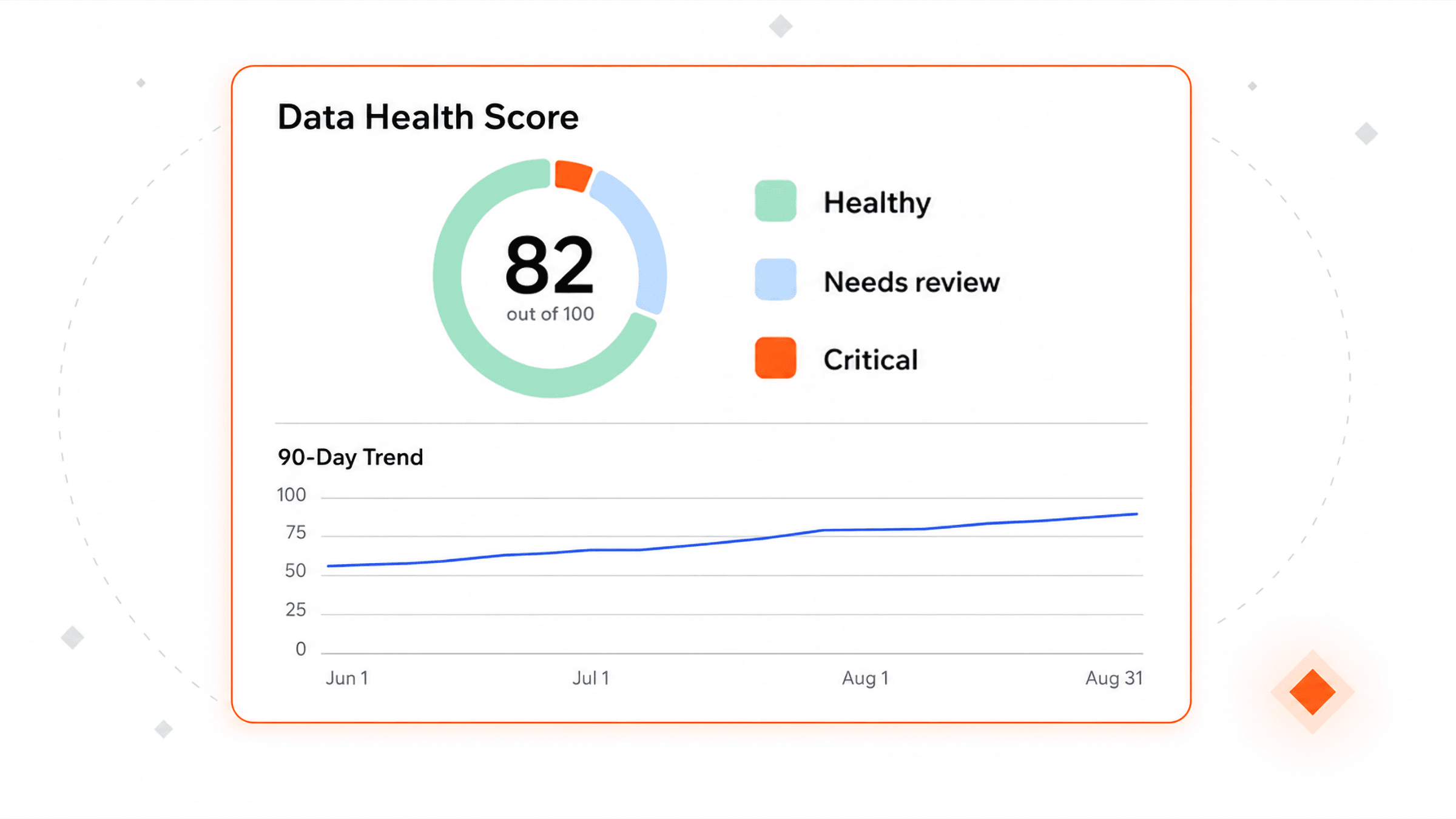
Assess the health of your data object by object and field by field: fill rate, duplicate values, format patterns and more. You get a trend line and everyone works from the same picture and you know what to fix first.

Clean

Clear years of backlog. Stop firefighting.

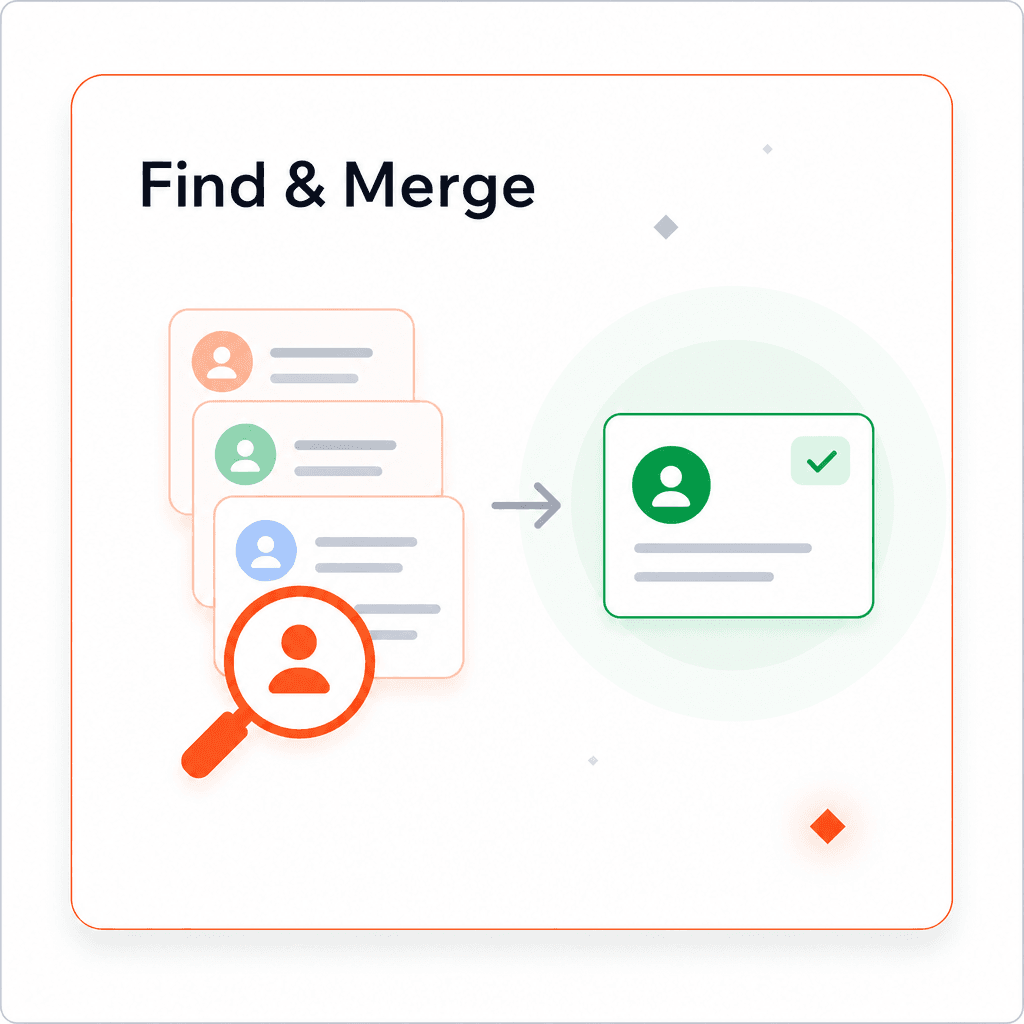
Duplicates merged on your rules, with related records re-parented. Emails, phones and addresses checked and standardized. Whole objects corrected in bulk. Any merge or edit can be undone.

From a bad score to data your team trusts.

  • Plauti job overview showing a completed Account Analysis job with 23 analyses.

    A score and the trend behind it

    Fill rate, duplicate values, format patterns, and more. Re-run it after a cleanup and the number moves, so you can show progress or see if something needs your attention.

  • Merge actions trend chart next to a record rating breakdown

    Duplicates found and merged

    Records that match are grouped with a score and the fields behind it. Your rules decide what survives and related records are re-parented.

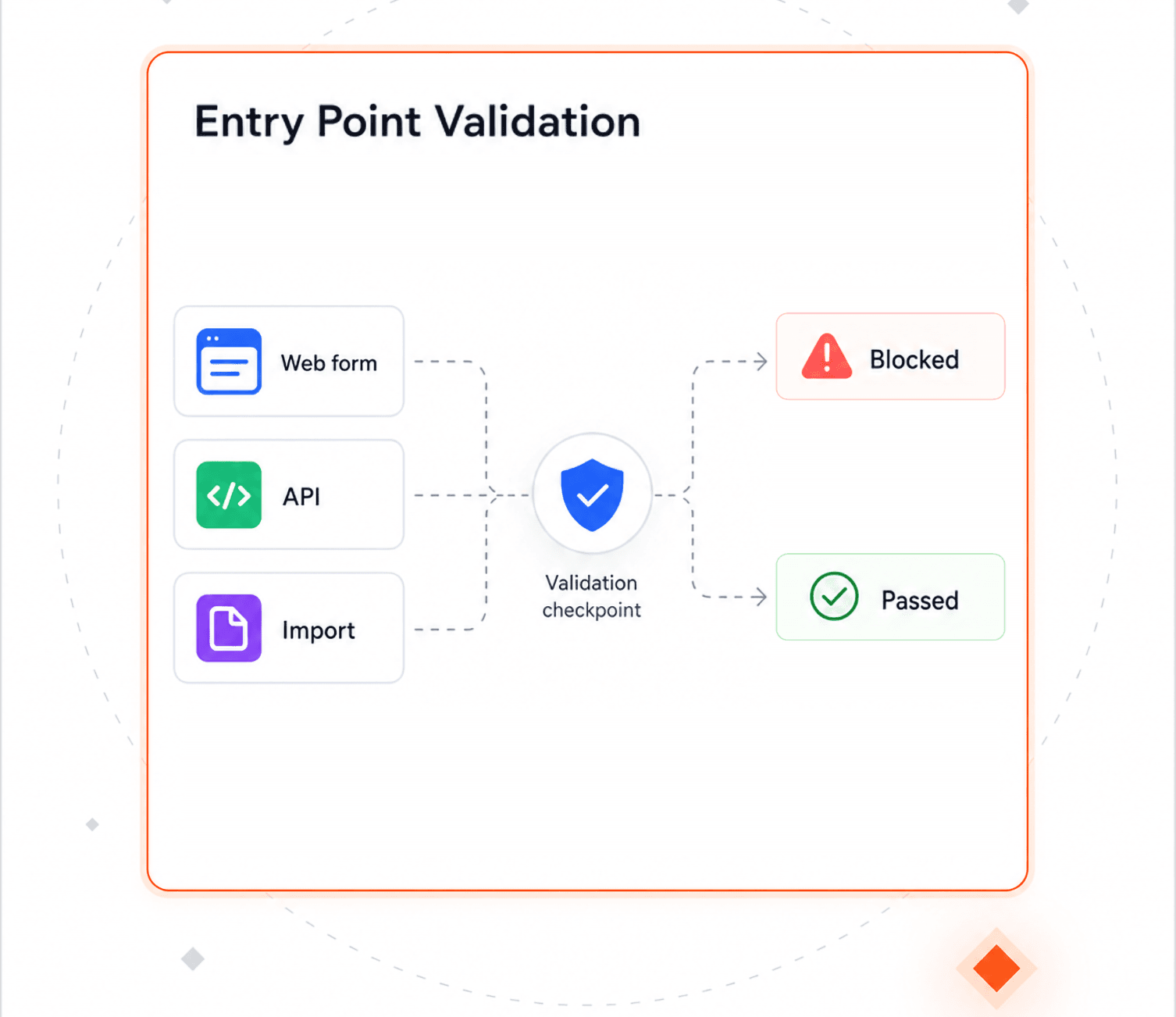
  • Bad data stopped at the door

    A warning while the record is still being typed, and the same rules on web forms, imports and API writes.

  • Plauti direct action configuration, listing actions per object and trigger.

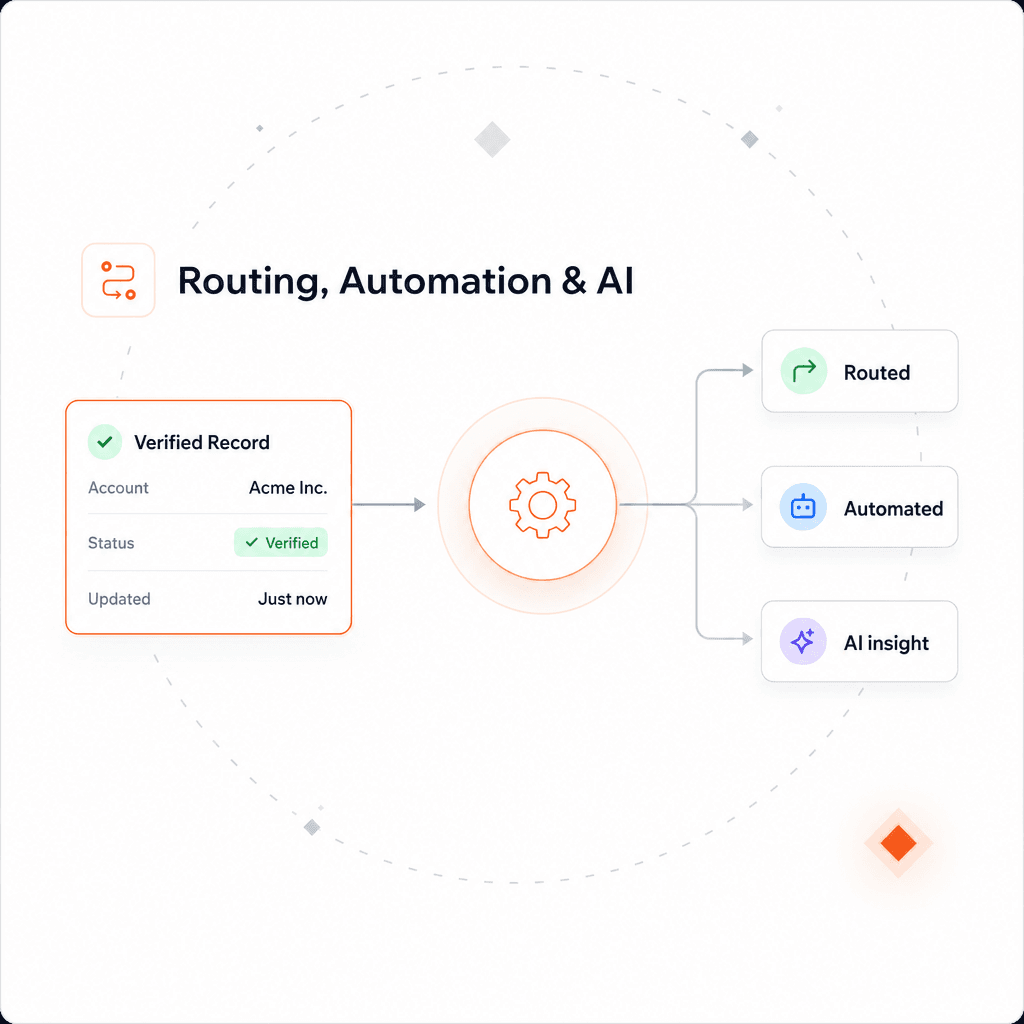
    Routing, automations and AI acting on clean data

    Records routed the moment they land, automated jobs, and agents working from the right records.

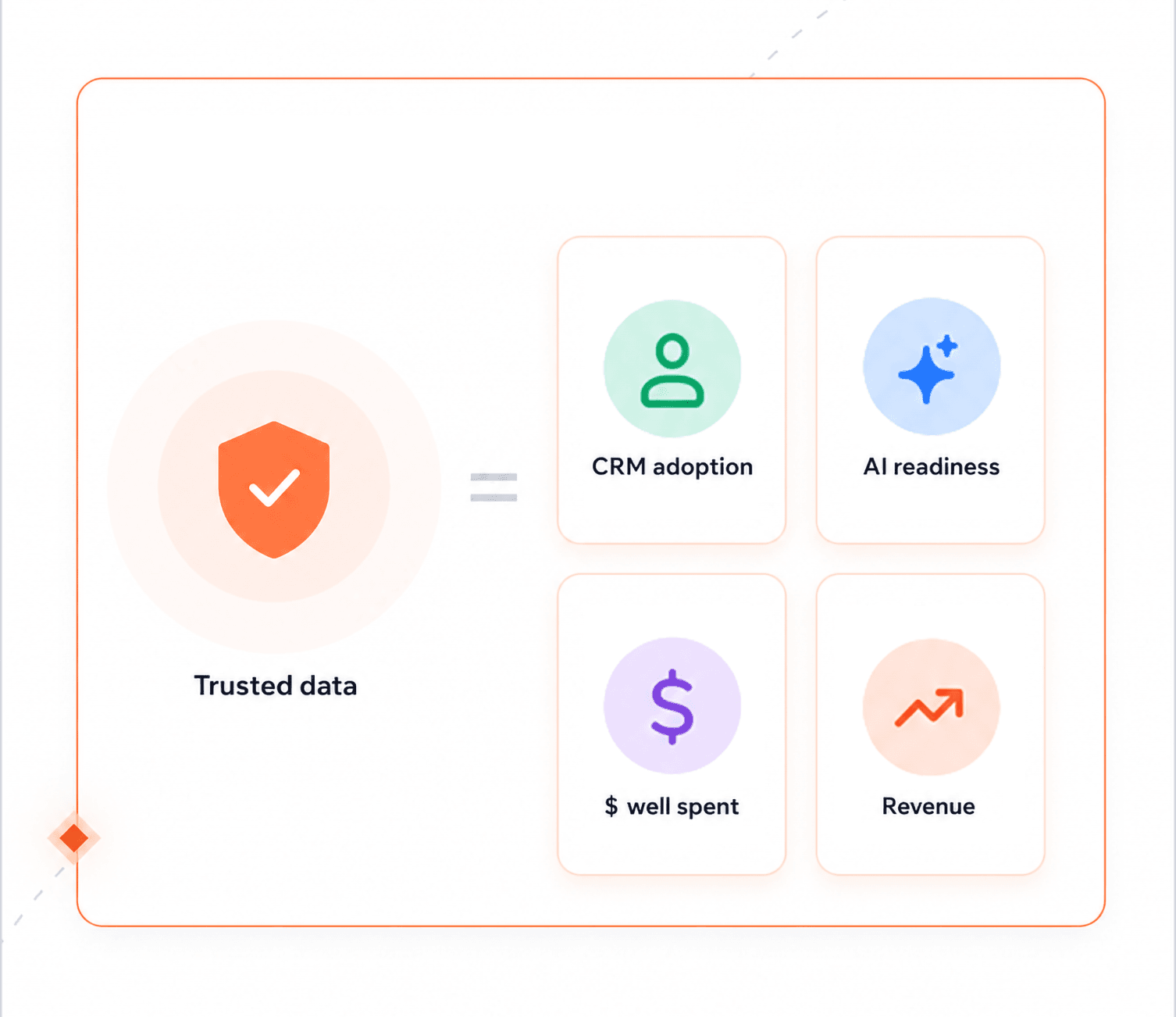
  • Why trusted data matters

    A CRM people actually use, a defensible answer on AI readiness, no firefighting, no wasted budget.

  • Native, in-org, governed; One set of rules across every stage.
  • Installs from your CRM's marketplace, on permissions you already have.
  • Custom data quality logic closes the gap standard tools can't.
  • ISO 27001 and GDPR aligned.

The numbers that back it up.

  • 4.6/5

    AppExchange rating

  • 713

    hours saved in 2 weeks.

  • 96%

    email delivery, up from 85%

  • 25%

    increase in ops efficiency.

Four teams that stopped fixing data by hand.

A CRM manager stands to lead a discussion with colleagues seated around a conference table.

Global merges, one rule set

“When we compared Plauti to other tools, the key advantage was granularity.” — Ana Marquez Salazar, Global CRM Manager
Roche Diagnostics
Read the story

Frequently asked questions

Where does Plauti process my data?

Plauti installs from your CRM's own marketplace and runs on the permissions and sharing rules you already have. Day-to-day matching, merging and field changes happen inside your own environment. Two things worth knowing: verification sends only the single field being checked — an email address, a phone number, a postal address — to the verification partner, and large batch clean-up jobs can run on Plauti's dedicated infrastructure under a data processing agreement. There is no bulk export, and no outside system of record holding a copy of your CRM.

What happens if a merge goes wrong?

You can undo it. Restore keeps the history of every merge and edit, so the original records come back, and it sits underneath every stage as a free safety net.

Where should we start?

With Monitor. Run a health check on one object, see which fields are reliable and which are not, and let the score decide what to clean first.

Can I try Plauti before talking to sales?

Yes. Walk through a product tour in your browser with nothing to install, or start a trial in your own org.

Does Plauti work with AI agents?

Yes. Agents read and write CRM records like any other integration, so the same duplicate checks and validation rules apply to what they write — and the documented field library gives them context they can rely on.

See Plauti in action

Book a demo for a guided walkthrough, or take a self-guided tour in your browser. No install, no sandbox needed.